Save and share CCTV footage
Use this after you can play footage back. Open a single camera — it will not work on a multi-screen view.
Follow playback first if you need an older clip rather than live view.
-
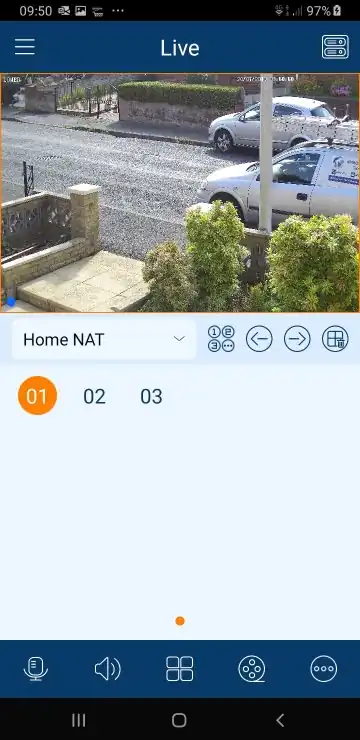
Open the camera
Live view or playback, one camera at a time.
-
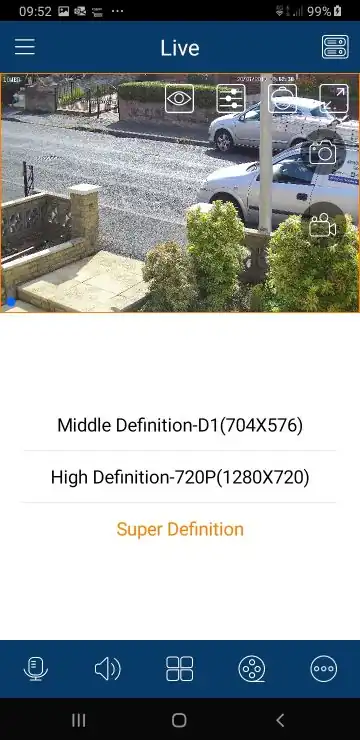
Switch to best quality
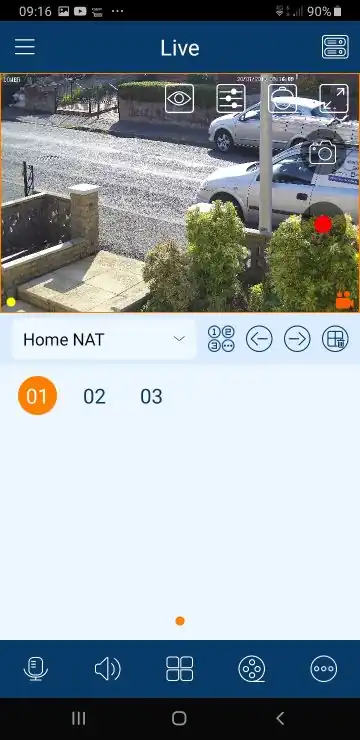
The app often starts in a lower quality stream so it loads quickly. Tap the eye icon and choose Main stream or Super definition.
Higher quality is slower on mobile data. Use Wi‑Fi where you can.
-
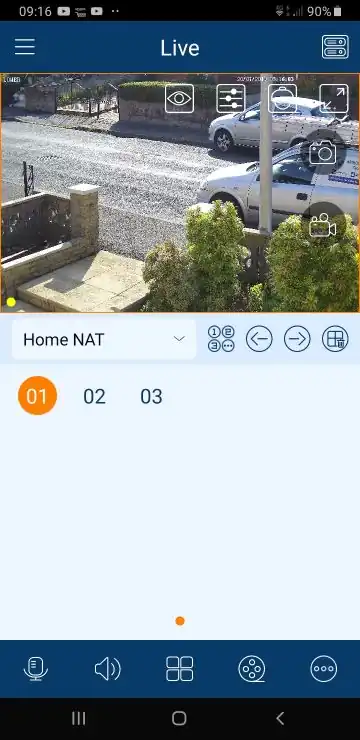
Show the capture icons
Tap once on the picture. Capture icons appear on the right.
-
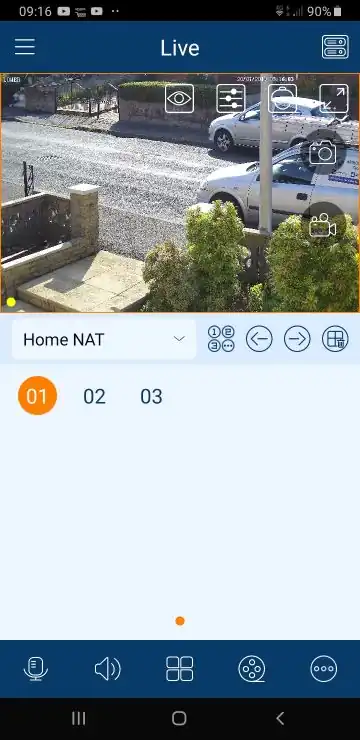
Photo or video
The camera icon takes a still. The video icon starts a recording — a red dot means it is capturing. Tap again to stop.
-
Find the file
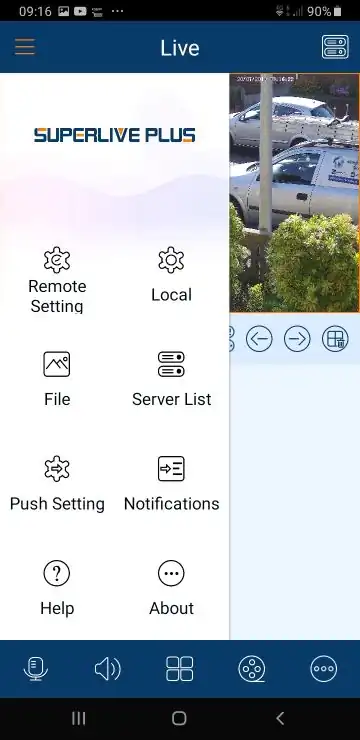
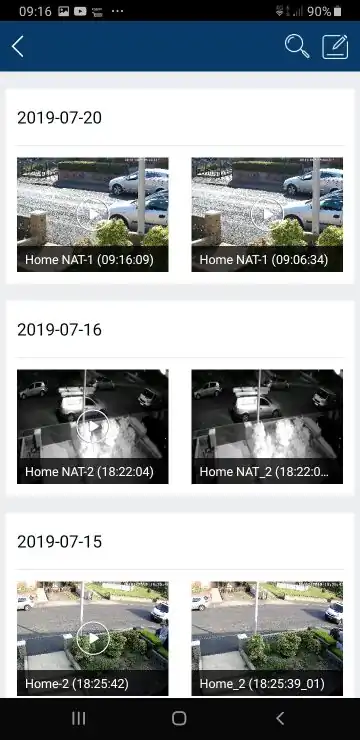
Open the app menu, then File. Clips are stored on the phone, not on the recorder.
-
Share it
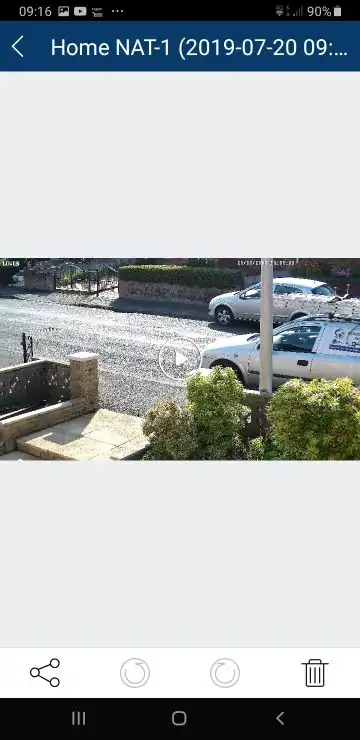
Open the photo or video, then tap the share icon.
Was this guide useful?
If it was not, tell us what to change. Guides people find useful are shown first.